





Kubz.io
About Kubz.io
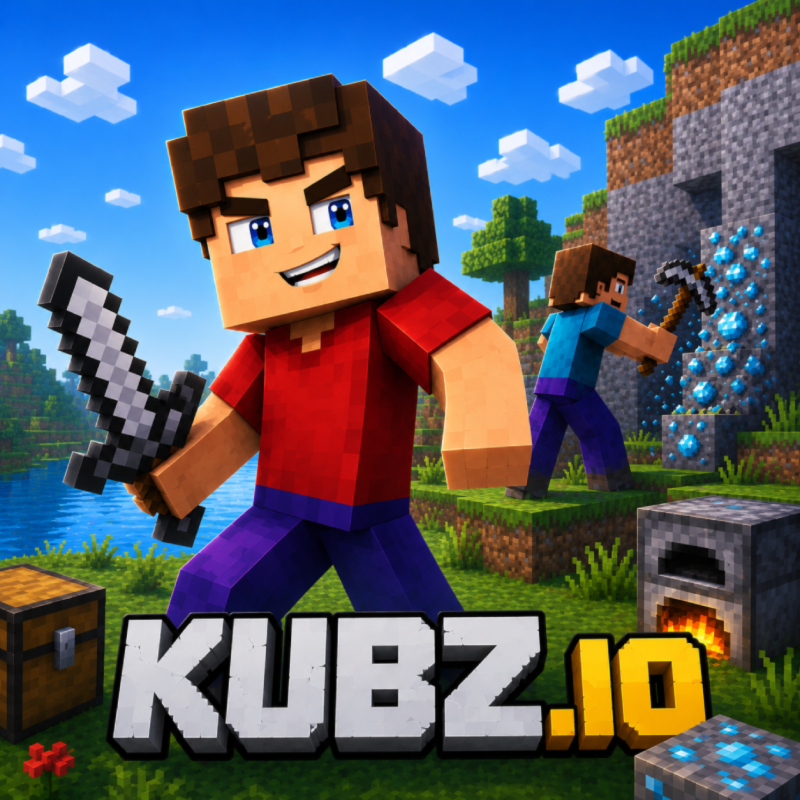
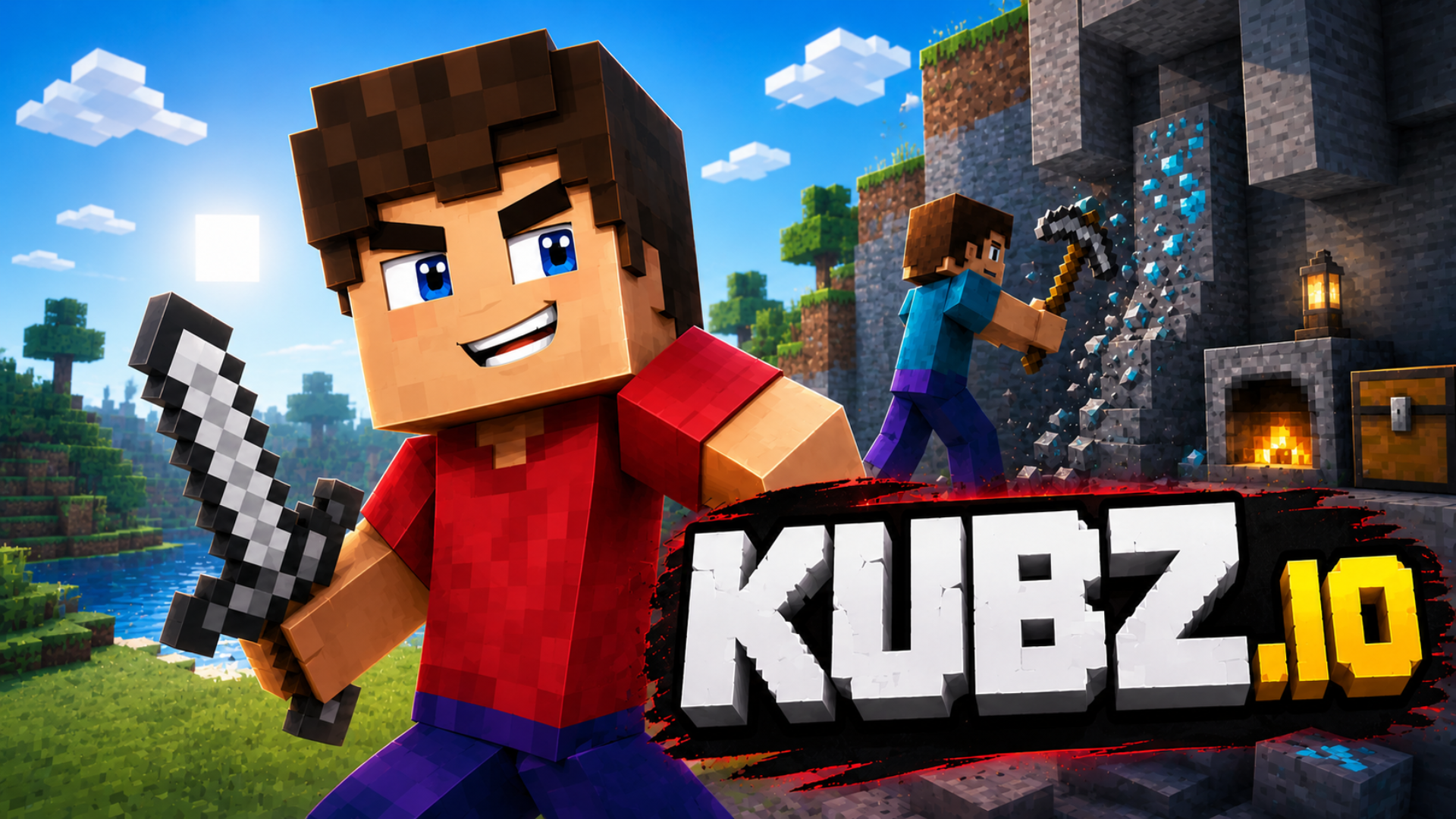
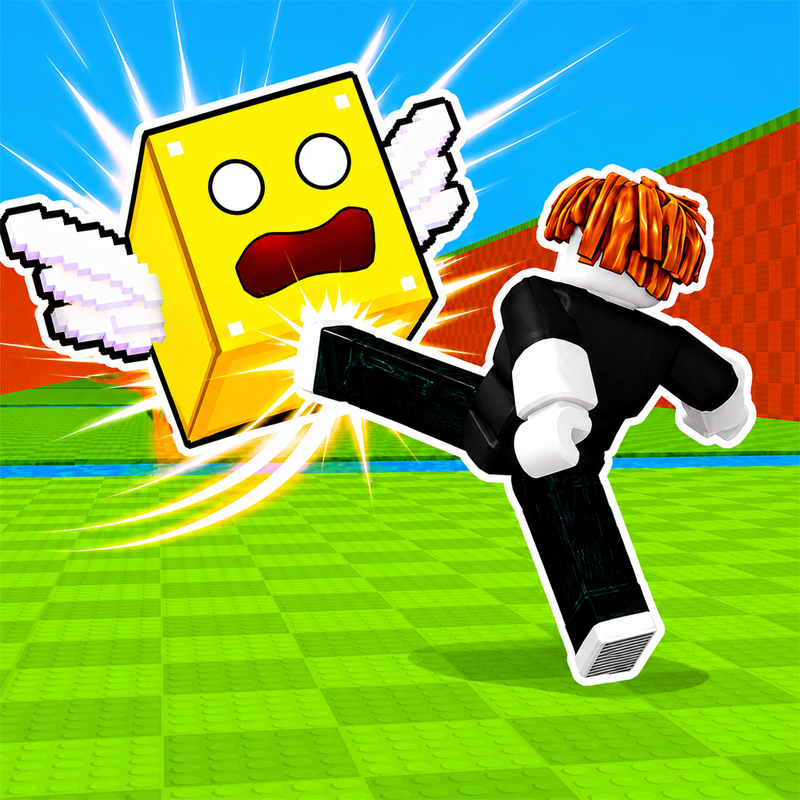
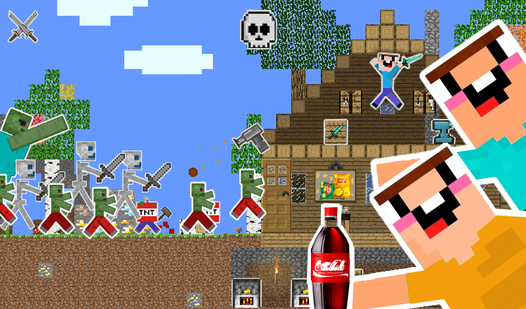
Kubz.io is a multiplayer voxel sandbox where you punch trees, mine ore, craft tools and armor, and survive against mobs — solo or alongside friends in shared worlds. Fight for loot and coins, build freely, and show off your skin across a 8-bit-style world of pixel landscapes and enjoyable sound design.
How to Play Kubz.io
Start bare-handed: punch wood, craft planks and a pickaxe, then work your way up through stone, iron, gold, and diamond to unlock progressively stronger tools, weapons, and armor. Fight mobs to collect coins, eat food to restore health, spend coins at the shop, and claim land by placing a protector so other players can't grief your builds.
Resource Tiers
Mining tougher ores requires the matching pickaxe tier — wood pickaxe opens stone, stone opens iron, and so on up through gold and diamond. Collect resources, store them wisely, and stay creative with crafting to progress faster.
Game Modes
- Solo: your own offline world
- My World: a private co-op world you can invite friends to
- Multiplayer Survival: public worlds with other players, mobs, and PvP combat
- Multiplayer Peaceful: invite-only private world with friends
- Sandbox: creative building
- Join: enter a friend's invite code to jump directly into their world
Tips & Tricks
- Defeating zombies earns extra coins — stay cautious at night when they're most dangerous.
- Place a protector to claim and lock your build so others can't destroy it.
- Eat food to restore health faster.
- Sound tracks enemy positions and distinguishes day from night, so play with audio on.
Controls
PC
- WASD / Arrow keys: move around the map
- Shift: run / sprint / descend
- Space: jump / swim up
- Left Mouse Button: mine / attack (hold to break) / interact with objects
- Right Mouse Button: place block / place objects
- 1–9: select item from hotbar
- Q: switch to crafting mode
- B: shop
- G: rewards
- K: skins
- O: settings
- V: change camera view
Mobile
- Left joystick: move
- Drag right side: look around
- Virtual buttons: jump, dive, place; hold to break
FAQ
What happens when your health bar hits zero?
Whether it's a zombie fight, PvP combat, or something like falling into lava, dropping to zero health resets your progress and sends you back to the start. Victory, on the other hand, is self-defined — set your own goals and build toward them.
Which resources can be crafted into weapons and armor?
Wood, stone, iron, gold, and diamonds all feed into the crafting system, letting you produce increasingly powerful tools, weapons, and armor as you gather higher-tier materials.
How does the skin customization work?
A vast collection of skins is available, ranging from classic styles to superhero references. You start with a basic character skin and 100 coins; additional skins packs can be purchased with gems.
How do leaderboards work in Kubz.io?
Rankings are based on coins — earn as many as possible and outpace other players to climb the leaderboard.
What kinds of achievements are there?
Achievements unlock by hitting specific in-game milestones: defeating enemies, gathering resources, and creating new items. Logging in daily and keeping your streak also rewards you.
Games You Might Like
For more voxel sandbox survival, Minecraft games on Playgama collects the best block-building titles in one place. Mine Together mirrors Kubz.io's gather-craft-fight loop closely, adding dimension travel and co-op armor progression in a low-poly world. Mine - Online delivers the same block-digging, tool-crafting, and castle-building feel inside a shared 3D cubic world with PvP and PvE. Skyblock 3D: Survival tightens the resource loop by dropping you onto floating islands where every ore counts, adding villager trading alongside the monster battles. Browse the full io games catalog for more multiplayer sandbox action.
Video